Launching Your MVP on Deploynix: Ship Fast Without Infrastructure Debt
You have an idea. You have built the core features. You have tested it locally and it works. Now you need to get it in front of real users. The last thing you should be doing at this stage is spending days configuring servers, writing deployment scripts, setting up SSL certificates, and debugging Nginx configurations. Every hour spent on infrastructure is an hour not spent talking to users, iterating on features, or finding product-market fit.
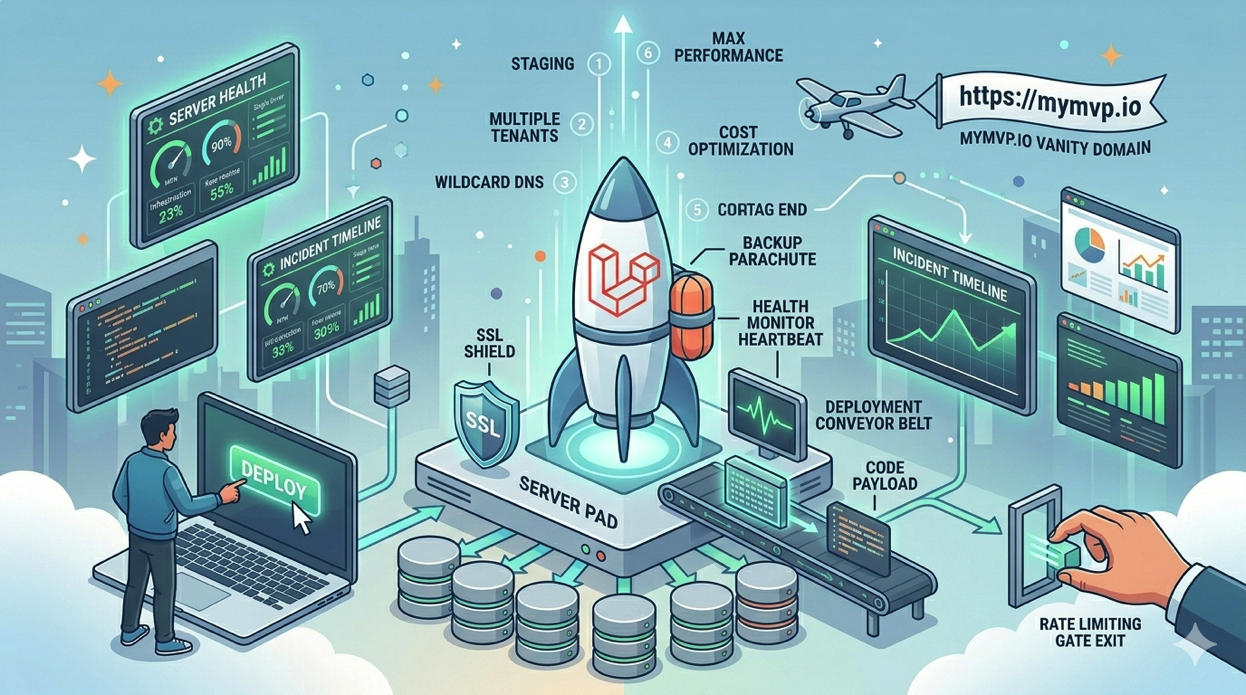
Deploynix exists to make this phase as fast as possible. With the Free tier, you can go from a working Laravel application on your laptop to a live, SSL-secured site accessible to the world in under 30 minutes. No infrastructure debt. No configuration complexity. No DevOps expertise required. And when your MVP gains traction, there is a clear upgrade path that does not require starting over.
What Infrastructure Debt Looks Like
Before diving into the how, let's talk about why infrastructure decisions matter so much at the MVP stage.
Infrastructure debt is the cost you pay later for shortcuts you take now. Common forms include:
Hand-rolled server configurations. You SSH into a VPS, install PHP manually, configure Nginx by copying a Stack Overflow answer, and set up MySQL with the default password. It works, but six months later when you need to replicate the setup or upgrade PHP, nobody remembers what was done.
No deployment process. You deploy by SSHing in and running git pull. One day you forget to run migrations. Another day you forget to clear the cache. Eventually a deployment goes wrong and you have no way to roll back.
No backups. You tell yourself you will set up backups "soon." Then your database corrupts and you lose everything.
No monitoring. Your server runs out of disk space at 3 AM and you do not find out until a customer tweets about it.
Deploynix eliminates all of these by managing your server configuration, deployments, backups, and monitoring from day one. You get professional-grade infrastructure without the professional-grade time investment.
Step 1: Sign Up and Provision a Server
Create a Deploynix account at deploynix.io. The Free tier includes everything you need to launch an MVP:
Server management for one server
Zero-downtime deployments
SSL certificate provisioning
Health monitoring
Web terminal access
Firewall management
Connect your cloud provider account. Deploynix supports DigitalOcean, Vultr, Hetzner, Linode, AWS, and custom providers. For an MVP, choose the most cost-effective option. Hetzner and Vultr offer excellent performance at lower price points than AWS or DigitalOcean.
Provision a single App server. For most MVPs, a server with 2 GB of RAM and 1 vCPU is more than sufficient. This single server will run Nginx, PHP-FPM, MySQL, and your Laravel application. You can always resize later.
Select PHP 8.4 and MySQL as your database. If your application uses caching or queues, Valkey (Redis-compatible) can run on the same server.
Step 2: Connect Your Git Repository
Connect your Deploynix account to your git provider. Deploynix supports GitHub, GitLab, Bitbucket, and custom git repositories.
Create a new site on your server and connect it to your repository. Select the branch you want to deploy (typically main or master).
Configure your deploy script. For a standard Laravel application:
Build steps:
composer install --no-dev --optimize-autoloader
npm ci && npm run build
Activation steps:
php artisan migrate --force
php artisan config:cache
php artisan route:cache
php artisan view:cache
These hooks run automatically with every deployment, ensuring your application is properly built, optimized, and migrated.
Step 3: Get a URL with Zero DNS Configuration
Here is where Deploynix saves you significant time during the MVP phase. Every site on Deploynix gets a free vanity domain under *.deploynix.cloud, complete with automatic SSL.
Instead of buying a domain, configuring DNS records, waiting for propagation, and provisioning SSL certificates, you can have your MVP live at your-app-name.deploynix.cloud within minutes.
This is perfect for the MVP stage because:
No upfront domain cost. Save the $12 to $15 per year until you validate the idea.
Instant SSL. Your site is HTTPS from the moment it deploys. No certificate provisioning, no DNS challenges, no waiting.
Shareable. You can share the vanity URL with potential users, investors, and beta testers immediately.
Professional enough. A
.deploynix.cloudsubdomain looks far more professional than a raw IP address or a.herokuapp.comURL.
When you are ready for your own domain, adding a custom domain is straightforward and does not require any changes to your application code. You just add the domain in the Deploynix dashboard, point your DNS records, and Deploynix handles the rest.
Step 4: Configure Environment Variables
Set your production environment variables in the Deploynix dashboard. At minimum for an MVP:
APP_NAME="Your App Name"
APP_ENV=production
APP_DEBUG=false
APP_URL=https://your-app-name.deploynix.cloud

DB_CONNECTION=mysql
DB_HOST=127.0.0.1
DB_DATABASE=your_app
DB_USERNAME=deploynix
DB_PASSWORD=generated-password

MAIL_MAILER=smtp
MAIL_HOST=your-mail-provider
MAIL_PORT=587
Deploynix generates secure database credentials during server provisioning. Use these rather than creating your own.
Step 5: Deploy
Trigger your first deployment from the Deploynix dashboard. You can also enable automatic deployments so that every push to your main branch triggers a deployment automatically.
Watch the deployment log as it runs through your hooks. The first deployment installs all dependencies and runs all migrations from scratch. Subsequent deployments are faster because Composer and npm caches persist between deployments.
Once the deployment completes, visit your vanity URL. Your MVP is live.
Step 6: Set Up the Essentials
With your application deployed, spend 15 minutes setting up the essentials that many MVPs skip but which will save you hours of headaches later.
Database Backups
Configure automated database backups from the Deploynix dashboard. Even for an MVP, losing your database means losing your users and their data. Connect a backup storage provider (AWS S3, DigitalOcean Spaces, or Wasabi) and schedule daily backups.
The cost of S3 storage for a small database is pennies per month. The cost of losing your data is your entire project.
Firewall Rules
Deploynix configures sensible firewall rules by default, but review them to make sure only the ports you need are open. For a standard Laravel application, you need:
Port 22 (SSH)
Port 80 (HTTP, for HTTPS redirects)
Port 443 (HTTPS)
Close everything else.
Health Monitoring
Deploynix monitors your server's health automatically. Configure notification channels so you are alerted if your server goes down. You want to know about outages before your users tell you.
The Single-Server MVP Architecture
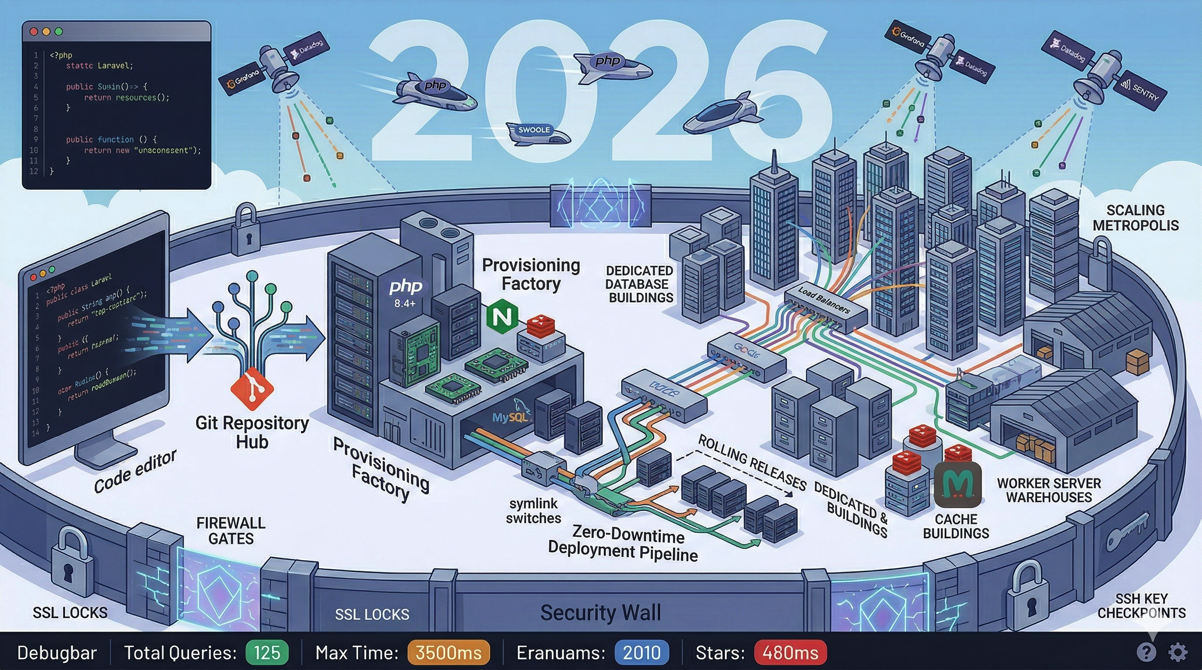
Running everything on one server is not just acceptable for an MVP. It is the right architecture for this stage. Here is what runs on your single Deploynix App server:
Nginx — Serves static assets and reverse-proxies to PHP-FPM
PHP-FPM — Runs your Laravel application
MySQL — Your database
Valkey — Caching and queue processing (optional, can use database queue driver)
Supervisor — Manages queue workers as daemons (if using queues)
Cron — Runs the Laravel scheduler
This architecture handles far more traffic than most MVPs will see. A well-optimized Laravel application on a 2 GB server can serve hundreds of requests per second. You will not need to think about scaling until you have real traction and real revenue.
What "Ship Fast" Actually Means
Shipping fast is not about cutting corners. It is about making the right tradeoffs for your current stage.
Fast deployment does not mean manual deployment. Deploynix gives you zero-downtime deployments from day one. You never need to SSH into your server and run git pull.
Fast does not mean insecure. Your site has HTTPS from the moment it deploys. Firewall rules are configured by default. Database credentials are securely generated.
Fast does not mean unmonitored. Health monitoring is built into the Free tier. You know when something breaks.
Fast does not mean throwaway. The application you deploy on Deploynix today can grow to serve thousands of users without changing platforms. You will upgrade your server size, add additional servers, and configure more advanced features, but you will never need to migrate away from Deploynix.
When to Upgrade
The beauty of the Deploynix Free tier is that it has a natural upgrade path. Here are the signals that it is time to move to the Starter tier and beyond.
You Need Multiple Sites
The Free tier manages one server. If you want to run a staging environment alongside production, or if you are building a second product, you will need the Starter tier.
Traffic Is Growing
If your single server is consistently running above 70% CPU or memory utilization during normal traffic, it is time to either resize the server or add a second app server behind a load balancer.
You Need Team Access
When you hire your first developer or bring on a co-founder, you will want team access with role-based permissions. Deploynix supports Owner, Admin, Manager, Developer, and Viewer roles within organizations.
You Need Advanced Features
Scheduled deployments, more granular backup control, and additional server types become available on higher tiers. These features become valuable as your application and team grow.
The MVP Deployment Checklist
Before sharing your MVP with the world, run through this checklist:
[ ] Application deploys successfully via Deploynix
[ ] Site loads over HTTPS without mixed content warnings
[ ] Database backups are configured and tested
[ ] Health monitoring is active with notifications configured
[ ] Environment variables are set correctly (APP_DEBUG=false, APP_ENV=production)
[ ] Error pages display user-friendly messages (not stack traces)
[ ] Email sending works (registration confirmation, password reset)
[ ] Firewall rules are reviewed
[ ] Login and core user flows work in production
[ ] You have tested a deployment rollback at least once
Real Talk: What Not to Do at the MVP Stage
Do not set up Kubernetes. You do not need container orchestration for an application with 10 users.
Do not build a multi-server architecture. A single server is not a weakness at this stage. It is the appropriate architecture.
Do not spend a week on CI/CD pipelines. Deploynix's automatic deployments on git push are your CI/CD pipeline for now.
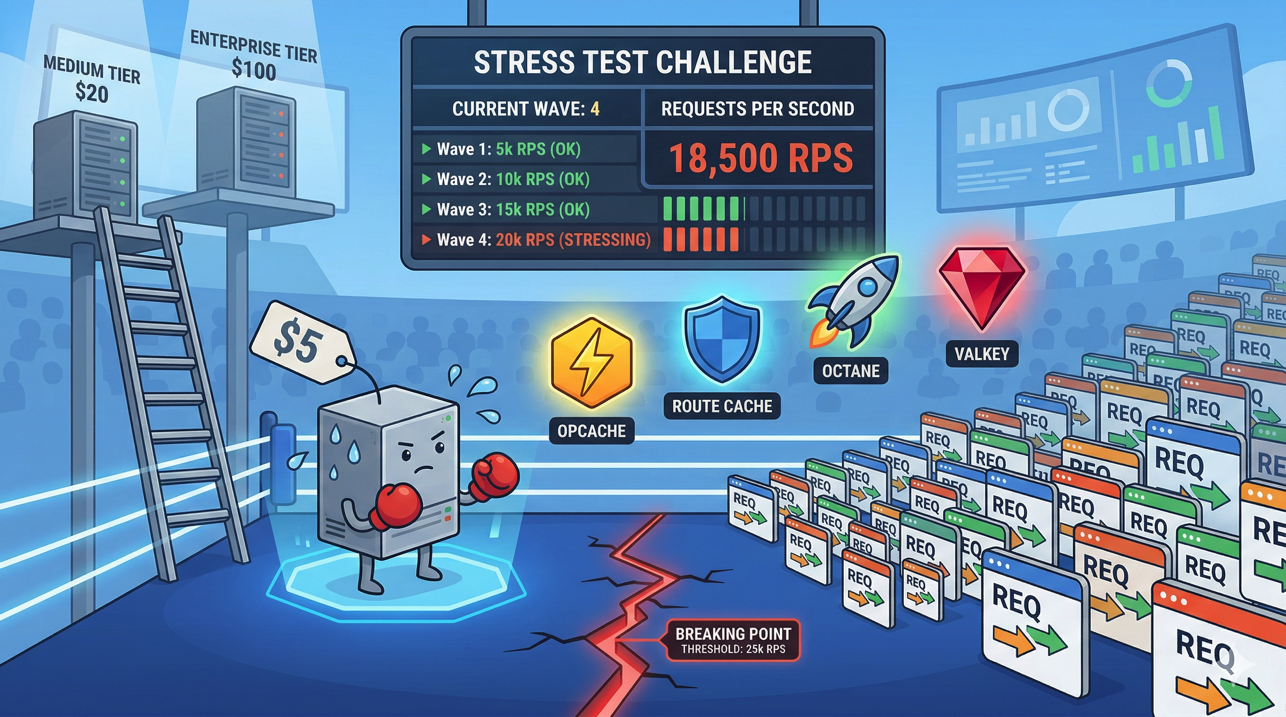
Do not optimize for 10,000 concurrent users. Optimize for 10 paying users. Then optimize for 100. Then 1,000. Each stage has different requirements, and premature optimization wastes your most limited resource: time.
Do not use a custom domain on day one. The vanity domain is fine for beta testing and early traction. Buy your domain when you are ready to invest in marketing and brand.
Conclusion
Launching an MVP should take hours, not weeks. Deploynix's Free tier gives you everything you need to go from local development to a live, production-grade application: server provisioning, zero-downtime deployments, SSL, monitoring, backups, and a free vanity domain.
The infrastructure decisions you make at the MVP stage should optimize for speed and flexibility, not scale you do not have yet. A single server managed by Deploynix is the right architecture for finding product-market fit. It gives you professional infrastructure without infrastructure debt, and when your MVP becomes a real business, the upgrade path is clear and incremental.
Stop configuring servers. Start shipping product. Your infrastructure can grow with your revenue, and Deploynix makes sure that growth is smooth rather than painful.