Migrating From Laravel Vapor to Deploynix: Trading Serverless for Servers
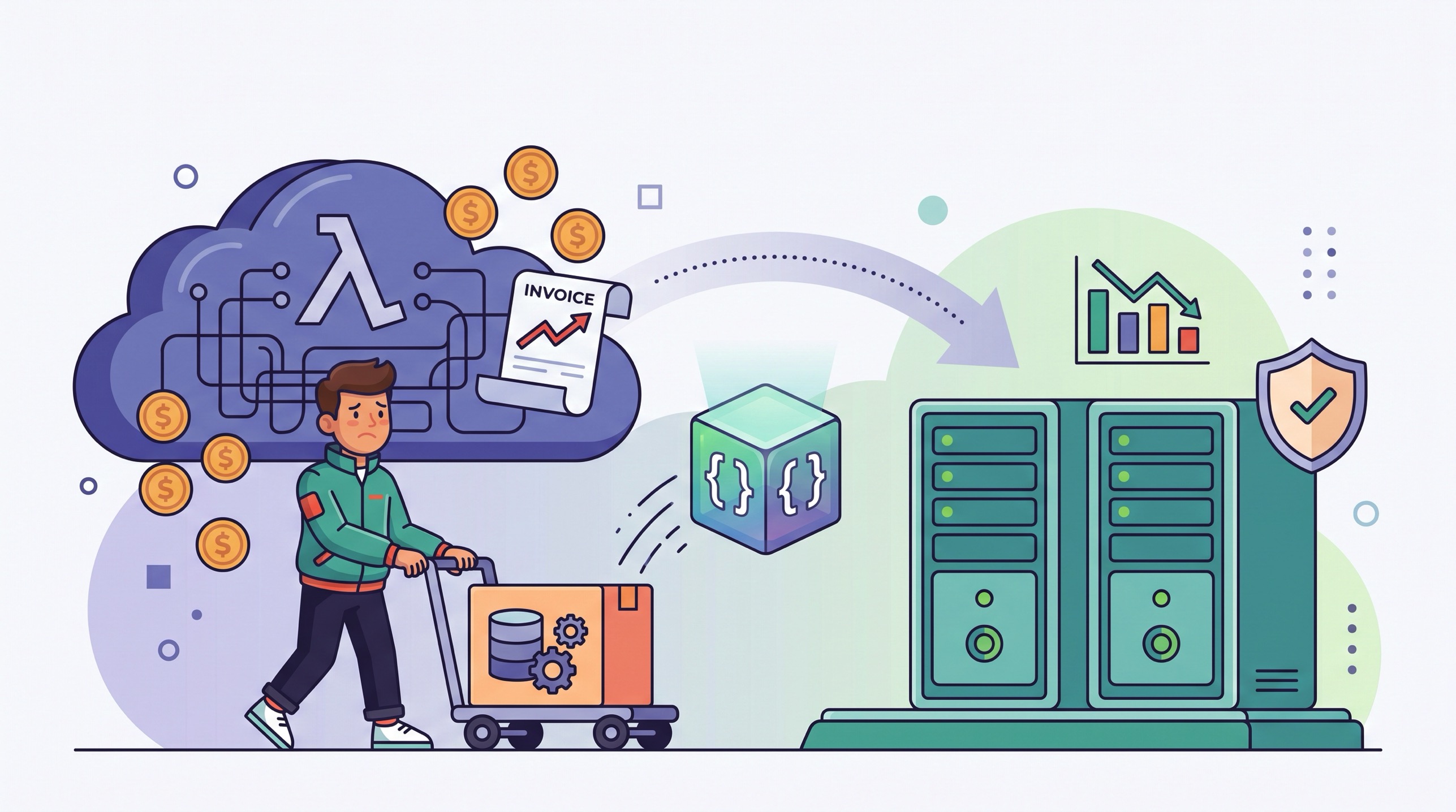
There is a specific moment when serverless economics invert, and most teams can name the month it happened. Your Laravel app used to have spiky, unpredictable traffic, and Lambda's pay-per-millisecond model was a bargain. Then the product found its audience. Traffic became steady: a predictable daily curve, the same few thousand users, the same queue volume every hour. From that point on, you are paying a premium for elasticity you no longer use. The bill stops scaling to zero because your traffic never does.
We have talked to a lot of Laravel teams in exactly this position. They chose Vapor for good reasons, and Vapor delivered. But somewhere between product-market fit and the third month of a four-figure AWS invoice, someone opens Cost Explorer, squints at the NAT gateway line item, and asks the uncomfortable question: what would this cost on two ordinary servers?
Usually the answer is 60 to 80 percent less, with faster p50 latencies and a log file you can actually tail. This post is the honest version of that conversation. We will cover when Vapor is still the right call, how to audit your app before moving, a step-by-step migration runbook including a queue cutover that does not lose jobs, and a worked cost comparison at steady load. If you want the broader argument first, we made it in the serverless hype vs. reality for Laravel apps. This post assumes you have already decided to look seriously at moving.
When Vapor Is the Right Call
Let's be fair before we get to the migration, because Vapor is a genuinely well-built product and some teams should absolutely stay on it.
Strengths:
True burst handling. If your traffic goes from 50 requests per minute to 5,000 in thirty seconds, Lambda absorbs it without you touching anything. No autoscaling groups, no capacity planning, no 3 a.m. pages about load. This is the killer feature, and no fixed-size server setup matches it.
Zero server operations. No OS patching, no PHP upgrades on a box, no disk space alerts, no SSH. For a solo founder or a team with no infrastructure appetite, that has real value.
Per-millisecond billing on idle apps. A staging environment or an internal tool that gets ten requests a day costs almost nothing on Lambda. A VPS costs the same whether it serves one request or one million.
First-party Laravel integration. Vapor is built by the Laravel team. Queues, scheduled tasks, environment management, and deployments all work the way the framework documentation assumes.
Best for: Apps with genuinely spiky or unpredictable traffic (ticket sales, viral consumer products, campaign-driven marketing sites), teams with zero ops capacity, and low-traffic apps where the bill really does round to pocket change.
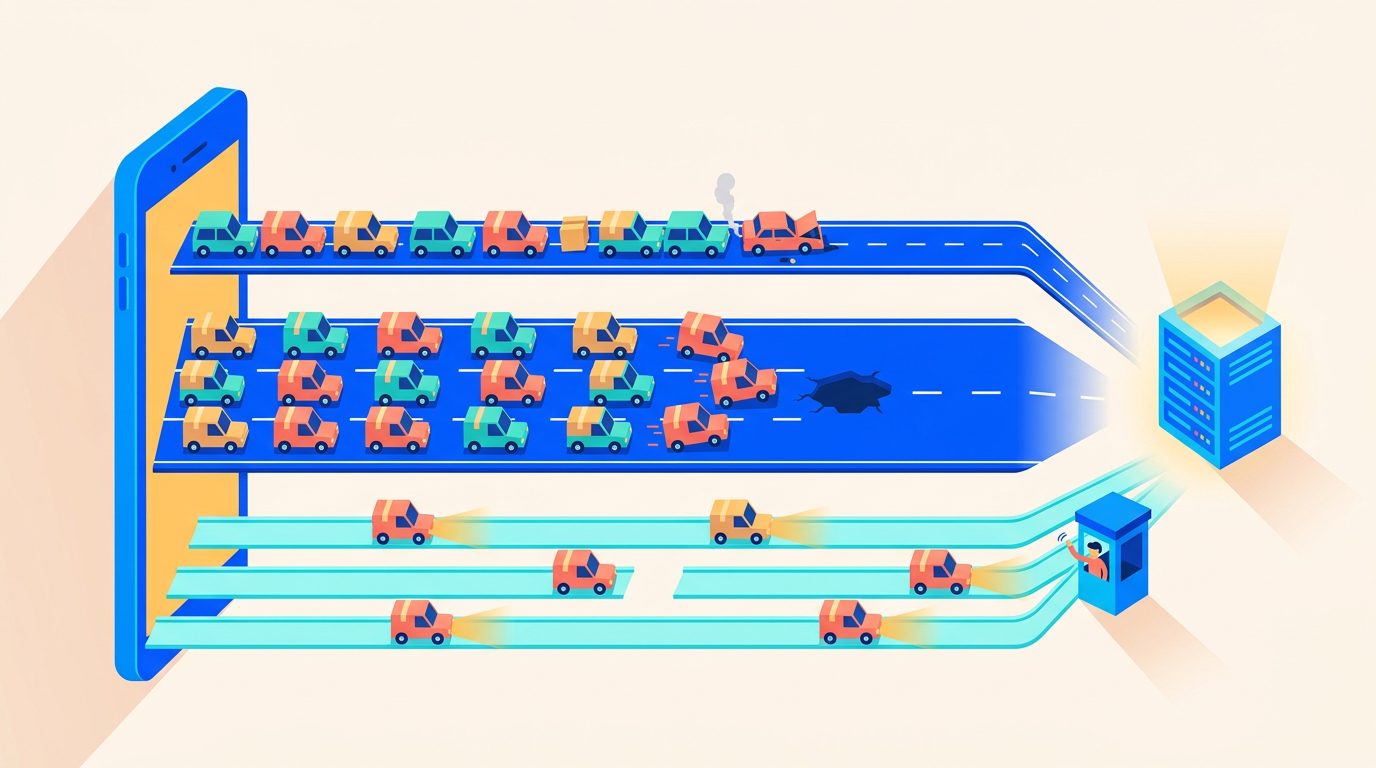
Considerations: Steady traffic means you pay the serverless premium continuously for elasticity you use twice a year. Cold starts of 500ms to 2 seconds hit your least-trafficked endpoints hardest, which are often admin panels and API routes your paying customers notice. Lambda's 15-minute execution ceiling is a hard wall for long imports, big report generation, and video processing. NAT gateway hours and data processing charges appear as surprise line items the moment your functions talk to the internet from inside a VPC. And debugging means CloudWatch Logs Insights queries instead of tail -f storage/logs/laravel.log, which sounds minor until you are doing it during an incident.
The pattern is not unique to Vapor users. A Barclays CIO survey found that 83% of enterprises plan to repatriate at least some workloads from public cloud (via Northflank), and teams that repatriate strategically report infrastructure savings of 30 to 60 percent (MassiveGRID). Worth stressing, though: only around 5% plan a full exit from the cloud (Advanced Hosting). Repatriation is a workload-by-workload decision, not an ideology. Your steady-traffic Laravel monolith is exactly the kind of workload where it pays off. Your S3 buckets and maybe your RDS instance can stay right where they are.
How Do You Know You've Hit the Crossover Point?
The crossover is rarely one dramatic invoice. It creeps. Here are the signals we see most often in teams that eventually migrate, roughly in the order they appear.
Your warming bill exists at all. Vapor's warm setting keeps Lambda containers alive so users do not eat cold starts. Read that again: you are paying for idle compute to simulate a server. Once warming instances run around the clock, you have reinvented a fixed server with worse economics. The moment warm: 10 feels necessary in production, the elasticity argument has already lost.
Cold starts hit the endpoints you can least afford. High-traffic routes stay warm naturally. It is the low-traffic ones that go cold: the admin panel your biggest customer's ops team uses, the API endpoint a partner polls hourly, the password reset flow. A 1.5-second stall on a checkout-adjacent route is a support ticket; on a sales demo, it is worse.
The queue backlog keeps hitting the 15-minute wall. If your team has ever chunked a job, not because chunking was good design but because Lambda would kill it at minute fifteen, count how many of those workarounds exist. Each one is architecture bent around a billing model.
The invoice needs a translator. When "why did the NAT gateway cost $60 this month?" is a real question in your Slack, and answering it takes an hour in Cost Explorer, add that engineering time to the bill. Same for incidents: if reconstructing one request means stitching together three CloudWatch log groups, your mean-time-to-understanding is paying the serverless tax too.
Traffic graphs look like sine waves, not earthquakes. Pull 90 days of request metrics. If peak hour is within 3 to 5x of the quiet hour, every week, you have a capacity-plannable app. Provision a server for peak with headroom and pocket the difference.
Two or three of these and you are past the crossover. All five, and this migration is overdue.
What Does the Vapor-to-Server Concept Mapping Look Like?
The good news: nothing about Vapor changes your application code in ways that block a move. Laravel was built for servers first. Vapor adapted it to Lambda; you are adapting it back. Every Vapor concept has a direct server-side equivalent.
Vapor / AWS concept | Server equivalent | Notes |
|---|---|---|
Lambda HTTP function | Nginx + PHP-FPM worker pool (or Octane) | Always warm. No cold starts, no per-invocation billing. |
SQS queues | Database or Valkey/Redis queue + Supervisor-managed workers |
|
| Deploynix deploy config + deploy hooks | Same idea: composer install, npm build, migrate, cache. |
RDS database | Stays on RDS initially, or moves to a database server later | Connecting to RDS from a VPS is fine. Decouple this decision from the migration. |
CloudFront | Cloudflare (or any CDN) in front of your server | Free tier covers most Laravel apps. |
Vapor environment variables and secrets |
| Same values, different transport. |
Scheduled tasks ( | Cron entry running | One line, managed via UI. |
ElastiCache / Vapor cache | Valkey on the same box or a dedicated cache server | Sub-millisecond, no network hop for single-server setups. |
CloudWatch Logs |
| You can tail it again. |
Two things on this table deserve emphasis. First, RDS can stay. A common migration mistake is trying to move compute and data on the same day. Don't. Deploynix provisions servers on AWS as well as DigitalOcean, Vultr, Linode, and Hetzner, so you can put your app server in the same AWS region as your RDS instance, keep single-digit-millisecond database latency, and defer the database decision entirely. Second, S3 stays S3. Your FILESYSTEM_DISK=s3 config does not care whether the code calling it runs on Lambda or a VPS. Do not migrate object storage as part of this project.
The Pre-Migration Audit
An afternoon of auditing saves a weekend of firefighting. Before provisioning anything, work through your vapor.yml and your codebase.
Inventory your vapor.yml
Your vapor.yml is the map of everything the migration has to replace. A typical mid-size app looks something like this:
id: 12345
name: acme-app
environments:
  production:
    memory: 1024
    cli-memory: 512
    runtime: php-8.3
    queues:
      - default
      - notifications
    queue-memory: 1024
    queue-timeout: 300
    warm: 10
    scheduler: true
    database: acme-production
    cache: acme-cache
    build:
      - 'composer install --no-dev'
      - 'php artisan event:cache'
      - 'npm ci && npm run build && rm -rf node_modules'
    deploy:
      - 'php artisan migrate --force'
  staging:
    memory: 512
    queues:
      - default
    scheduler: true
For each environment, write down: the queue names and their timeouts, whether the scheduler is on, the attached database and cache, every build and deploy step, and the warming configuration (that warm: 10 line is ten Lambda containers being pinged around the clock; it becomes irrelevant on a server, and it was costing you money). Then pull the environment variables and secrets for each environment:
vapor env:pull production
# secrets are listed in the Vapor dashboard; export them alongside the env file
Store the result somewhere safe. This file becomes your server .env almost verbatim.
Find Lambda-shaped code assumptions
Vapor forced some patterns onto your codebase. Most of them are harmless on a server, and a few actually become opportunities:
Ephemeral
/tmpworkarounds. Code that streams uploads straight to S3 because local disk did not persist keeps working unchanged. But jobs that awkwardly chunked work through S3 to dodge the missing filesystem can be simplified: you have a persistent local disk again.The 15-minute ceiling. Search for jobs that were split into chains purely to fit under Lambda's timeout. On a server, a queue worker can run a four-hour job if you let it. You do not have to refactor these on day one, but flag them.
Package and image size limits. Vapor's Docker runtime caps images at 10GB and the standard runtime is far tighter, so you may have excluded binaries like
wkhtmltopdf, FFmpeg, or heavy PHP extensions. On a server you just install them.Runtime assumptions. Check for hardcoded references to Vapor helpers or the
VAPOR_*environment variables, and confirmTRUSTED_PROXIEShandling once you are behind Cloudflare instead of CloudFront.
Decide where the database lives (for now)
The right answer during migration is: exactly where it is today. Add your VPS's IP to the RDS security group, point DB_HOST at the RDS endpoint, and move on. Once the migration has been stable for a month, you can evaluate moving to a Deploynix-provisioned database server with automated backups shipped to S3-compatible storage. That is a separate project with its own dump-and-restore cutover, and we cover the economics of it in the real cost of running a Laravel SaaS.
The Migration Runbook
Here is the sequence we recommend, in order, with the queue cutover treated as the delicate part it is.
Step 1: Provision the app and worker servers
Connect a cloud provider to Deploynix (DigitalOcean, Vultr, Linode, Hetzner, AWS, or a custom server) and provision two servers: an app server (Nginx, PHP-FPM, your PHP version) and a worker server for queues and scheduled tasks. Small teams can run everything on one box; separating web and worker traffic means a runaway job cannot starve your HTTP requests. If you are staying near RDS, provision on AWS in the same region.
Connect your GitHub, GitLab, or Bitbucket repository, and translate your vapor.yml build and deploy steps into the deploy configuration and deploy hooks. The mapping is almost one-to-one:
# Deploy script (runs on each release)
composer install --no-dev --optimize-autoloader
npm ci && npm run build
php artisan migrate --force
php artisan config:cache
php artisan event:cache
php artisan queue:restart
Deploys are zero-downtime by default: each push builds a new release directory, and a symlink swap makes it live, with one-click rollback to the previous release. This replaces Vapor's deploy pipeline, including the rollback story.
Step 2: Move environment variables
Take the file from vapor env:pull and load it into your server's environment through the dashboard. The changes are small and predictable:
APP_ENV=production
APP_URL=https://app.example.com

DB_CONNECTION=mysql
DB_HOST=acme-production.xxxx.eu-west-1.rds.amazonaws.com  # RDS stays, for now

QUEUE_CONNECTION=database   # was sqs
CACHE_STORE=redis           # Valkey on the worker/cache server, was ElastiCache
SESSION_DRIVER=database     # survives the cutover across both platforms

FILESYSTEM_DISK=s3          # unchanged, S3 stays S3
Delete the SQS_<em> and VAPOR_</em> variables only after the cutover is complete. During the parallel window, both platforms run with their own queue connection, which is exactly what makes the next step safe.
Step 3: Cut over the queues without losing a job
This is the step people worry about, and the strategy is simple: new jobs go to the new queue, old jobs drain from the old one, and for a while both sets of workers run.
On the new servers, configure queue workers through the Deploynix UI: connection, queue names (
default,notifications, matching yourvapor.yml), process count, timeout, and retry settings. Deploynix writes the Supervisor configuration for you, so workers restart on failure and on deploy.Deploy the app to the new servers with
QUEUE_CONNECTION=database(orredis). At this point the new stack is dispatching to and consuming from its own queues.Leave Vapor's queue workers running. They keep consuming whatever is still in SQS, including delayed and released jobs.
Watch the SQS console until
ApproximateNumberOfMessagesand the not-visible count both sit at zero, and stay there. Remember delayed jobs: if you dispatch jobs with long delays, the drain window must be at least as long as your longest delay.Only then disable Vapor's queue processing.
Mind your failed_jobs table during the window: jobs can fail on either platform, and you want queue:retry run from the side that owns the job. If you have not already built retry and timeout discipline into your jobs, do it before the migration, not after; our queues deep dive on connections, workers, and retry strategies covers the settings that matter, and debugging Laravel queue failures without losing messages is the companion piece for when something does go sideways mid-cutover.
Step 4: Move the scheduler
On Vapor, scheduler: true ran your schedule through a CLI Lambda. On the worker server, it is one cron entry, configured through the UI:
* * * * * php /home/deploynix/app/current/artisan schedule:run >> /dev/null 2>&1One caution for the parallel window: if the scheduler runs on both platforms simultaneously, tasks fire twice. Use ->onOneServer() with a shared cache store, or simpler, disable Vapor's scheduler at the moment you enable cron. For most apps a sixty-second gap in scheduling is harmless; double execution often is not.
Step 5: DNS cutover and the parallel window
Drop your DNS TTL to 60 seconds a day before the cutover. Issue the SSL certificate for your domain on the new server (Deploynix handles Let's Encrypt issuance and renewal for free), and verify the new stack end to end using a hosts-file override or a temporary subdomain: login, checkout, webhooks, file uploads, a full queue round-trip.
Then switch DNS from Vapor's CloudFront distribution to the new server (or to Cloudflare proxying the new server, which replaces CloudFront's CDN role). Because sessions are in the database and both stacks talk to the same RDS instance, users whose DNS resolves to either side during propagation get a consistent experience.
Keep Vapor fully deployed and warm for at least a week. That is your rollback: if anything is wrong, point DNS back and you are on the old stack within minutes. Rollback for bad deploys on the new stack is separate and faster: one click back to the previous release. Only delete the Vapor environments when the new stack has survived a full weekly cycle, including your heaviest scheduled jobs.
If parts of this runbook feel familiar, it is because the shape is the same for any platform exit; we walked through the PaaS variant in migrating Laravel from Railway, Render, or Fly.io to a VPS.
What Do You Actually Get Back?
The cost savings get the headlines, but talk to teams six months after this migration and they lead with the capabilities.
A persistent local disk. Temporary files, on-disk caches, generated exports that live for an hour before download: all trivially possible again. You stop paying S3 round-trip latency for scratch work.
Long-running jobs. The 15-minute ceiling is gone. A nightly report that takes 40 minutes is just a queue job with $timeout = 3600 and a worker that is allowed to take its time.
Real-time WebSockets on the same box. This one is binary: Vapor cannot host persistent socket connections, so Reverb is off the table there and you are pushed to Pusher or Ably as a paid external dependency. On a Deploynix server, Reverb runs as a daemon under Supervisor next to your app, and broadcasting works the way the Laravel docs describe, with no per-message pricing.
First-class queue tooling. SQS through Vapor works, but you give up Laravel Horizon, which requires Redis. On a server with Valkey as your queue connection, Horizon runs as a daemon and gives you per-queue throughput, wait times, and failed-job retries in a dashboard your whole team can read. For queue-heavy apps, this alone changes how quickly you diagnose problems.
Boring, predictable bills. Two fixed-price servers cost the same in your busiest month and your quietest one. Finance can forecast it. Nobody audits Cost Explorer looking for the line item that doubled.
Direct debuggability. SSH in, tail -f the log, run php artisan tinker against production with appropriate care, watch htop during an incident. CloudWatch is powerful, but during an outage, immediacy beats query languages.
What You Take On, and How It's Mitigated
Honesty cuts both ways: leaving Vapor means someone is responsible for servers again. The real question is how much of that responsibility gets automated.
Security and patching. A public server needs a firewall, SSH hardening, fail2ban, and regular updates. Deploynix provisions servers hardened by default (key-only SSH, UFW configured, automatic security updates) so the baseline does not depend on you remembering it.
Backups. On Vapor, RDS snapshots were your safety net; if your database eventually moves off RDS, backups become your problem. Automated database backups to S3-compatible storage, on a schedule, with retention, are built in. Test a restore once a quarter regardless of platform.
Monitoring and capacity. Lambda scaled silently; a server has finite CPU, RAM, and disk. Built-in monitoring with alerts covers the basics (load, memory, disk, service health), so you hear about a filling disk days before it becomes an incident. And when you genuinely outgrow one app server, you add a second behind a Deploynix-provisioned load balancer. That is a scaling step, not an emergency.
The elasticity trade. This is the one real loss. If your traffic can spike 50x in a minute, fixed servers need headroom or a CDN absorbing the burst, and neither is as effortless as Lambda. Be honest about whether that describes your traffic. For most steady-state SaaS apps, it does not, and provisioning 3x headroom still costs a fraction of the serverless equivalent.
Worked Example: What Does Steady Load Cost on Each?
Numbers make this concrete. Take a representative mid-size Laravel SaaS at steady load: about 5 million HTTP requests a month averaging 250ms at 1GB memory, 2 million queue jobs a month averaging 2 seconds, an RDS MySQL instance, a small Redis cache, CDN in front, and functions inside a VPC (which means a NAT gateway). Approximate monthly costs at current us-east/eu-west pricing:
Line item | Vapor stack | Two-server Deploynix stack |
|---|---|---|
HTTP compute | Lambda: ~$21 + API Gateway: ~$5 | App server (4 vCPU / 8GB, DigitalOcean): $24 |
Queue compute | Lambda workers: ~$66 + SQS: ~$1 | Worker server (2 vCPU / 4GB): $18 |
Warming (10 instances) | ~$8 | n/a (always warm) |
NAT gateway | ~$42 (hours + data processing) | n/a |
Database | RDS db.t4g.medium + storage: ~$58 | Same RDS instance: ~$58 (unchanged) |
Cache | ElastiCache t4g.micro: ~$12 | Valkey on worker server: $0 |
CDN | CloudFront: ~$10 | Cloudflare free tier: $0 |
Logging | CloudWatch: ~$15 | Local logs: $0 |
Platform fee | Vapor: $39/project | Deploynix plan |
Total | ~$277 + traffic growth | ~$100 + flat |
Two observations. First, the compute you actually think about (Lambda HTTP) is not the expensive part; the queue workers, NAT gateway, warming, and observability plumbing around it are. Second, the server column barely moves as traffic grows: the same $24 app server that handles 5 million requests a month handles 15 million, while every Lambda line item scales linearly. At steady load, that roughly $175 monthly gap is the serverless premium, and it widens every month your traffic grows. Squeeze further by moving the database off RDS later, or by provisioning on Hetzner, and the gap gets embarrassing; the fuller teardown lives in cloud repatriation for Laravel: from AWS to a $10 VPS.
Your numbers will differ. Run yours before deciding; the audit in this post gives you every input you need.
FAQ
Can I keep RDS and still migrate off Vapor?
Yes, and we recommend it. Provision your app server on AWS in the same region as your RDS instance, allow its IP in the RDS security group, and point DB_HOST at the endpoint. Latency stays in single-digit milliseconds, and you have decoupled the risky database move from the compute migration entirely.
How long does the migration take?
For a typical app: an afternoon for the audit, a day to provision and configure the new stack, and a one-to-two week parallel window before you decommission Vapor. The active cutover itself (queue switch plus DNS) is an evening. The parallel window is not wasted time; it is your rollback insurance.
Will I lose queued jobs during the cutover?
Not if you drain rather than switch. New servers dispatch to the new queue connection while Vapor's workers keep consuming SQS until it is empty, including delayed jobs. Both worker fleets run simultaneously during the window. The only way to lose jobs is to turn off SQS consumption before the backlog and delay horizon are clear, so don't.
What about Octane? We used it on Vapor for performance.
Octane runs at least as well on a server, arguably better, because workers persist indefinitely instead of living inside Lambda's lifecycle. Deploynix supports Octane with FrankenPHP, Swoole, or RoadRunner running as a daemon under Supervisor. Plenty of teams migrate to plain PHP-FPM first and adopt Octane later once they have baseline numbers to compare.
Is this a full "leave AWS" move?
No, and framing it that way leads to bad decisions. Only about 5% of organizations plan full repatriation (Advanced Hosting); the sensible pattern is workload by workload. In this migration, S3 stays, RDS can stay, and only the compute layer (the part with the worst steady-load economics) moves to servers.
Where to Go From Here
Vapor earned its place in the Laravel ecosystem, and if your traffic is genuinely spiky or your ops appetite is genuinely zero, staying is defensible. But if your dashboard shows the same steady curve every week, you are renting elasticity you do not use, and the exit is more mechanical than it looks: map the concepts, audit the vapor.yml, drain the queues, flip DNS, keep the old stack warm for a week.
The single next step: run the audit. Pull your vapor.yml and your last three months of AWS invoices, fill in the cost table above with your own numbers, and see where you land. If the gap looks like ours, provision a test server on Deploynix, deploy a staging copy of your app, and put real traffic through it before you commit to anything. The numbers will tell you whether this migration is worth your weekend. In our experience, for steady-traffic Laravel apps, they almost always do.